
Seven functions. One operating system.
MTOS Command Center replaces the patchwork of spreadsheets and single-purpose apps with one connected platform. Here is what is inside.
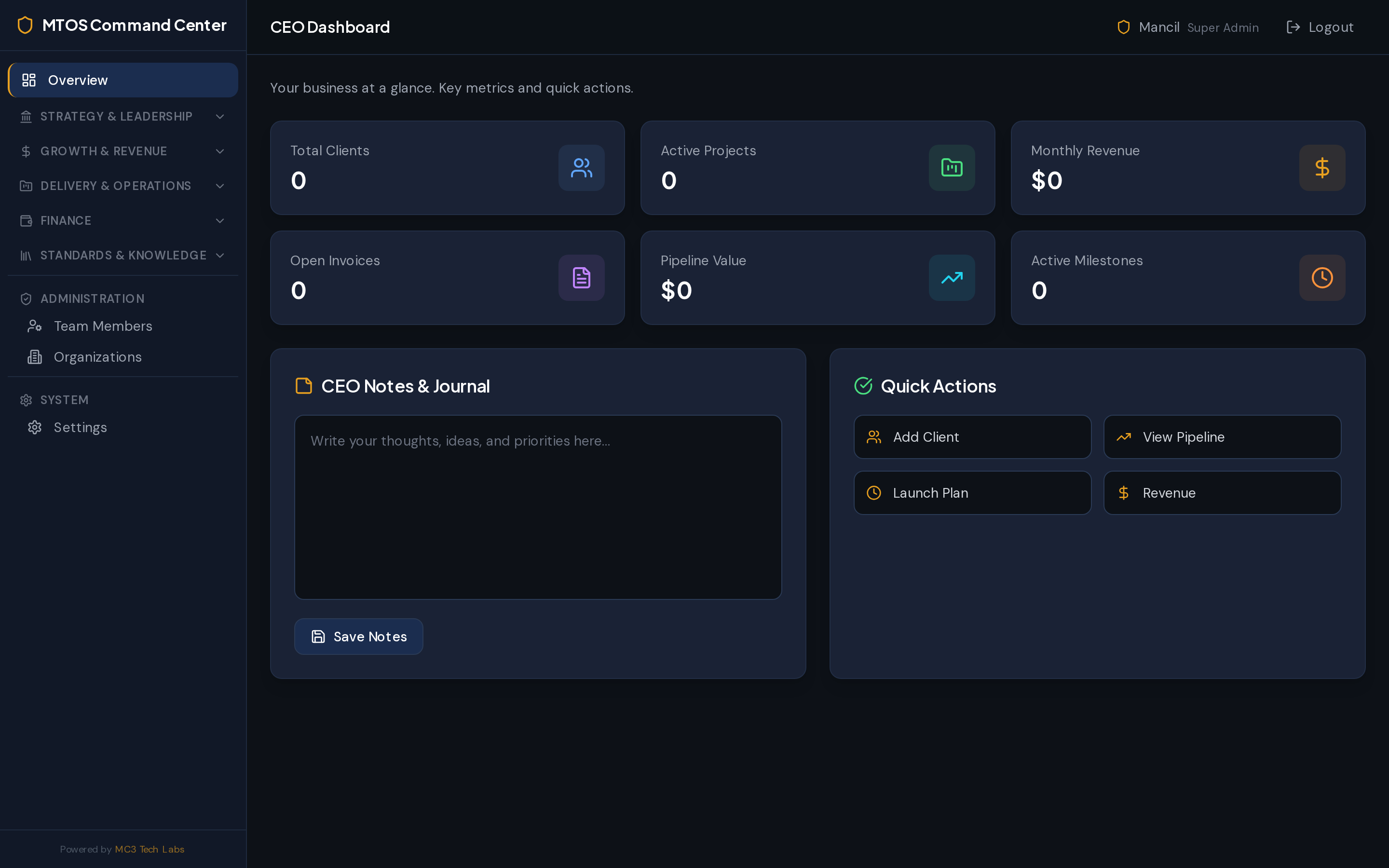
Set direction and keep everyone aligned
Define the company blueprint, mission, and values, design your org, and watch it all come together in executive dashboards.
- Business blueprint & one-pager
- Mission, vision & founding principles
- Culture & values
- Org structure & CEO dashboard
- Strategic dashboard
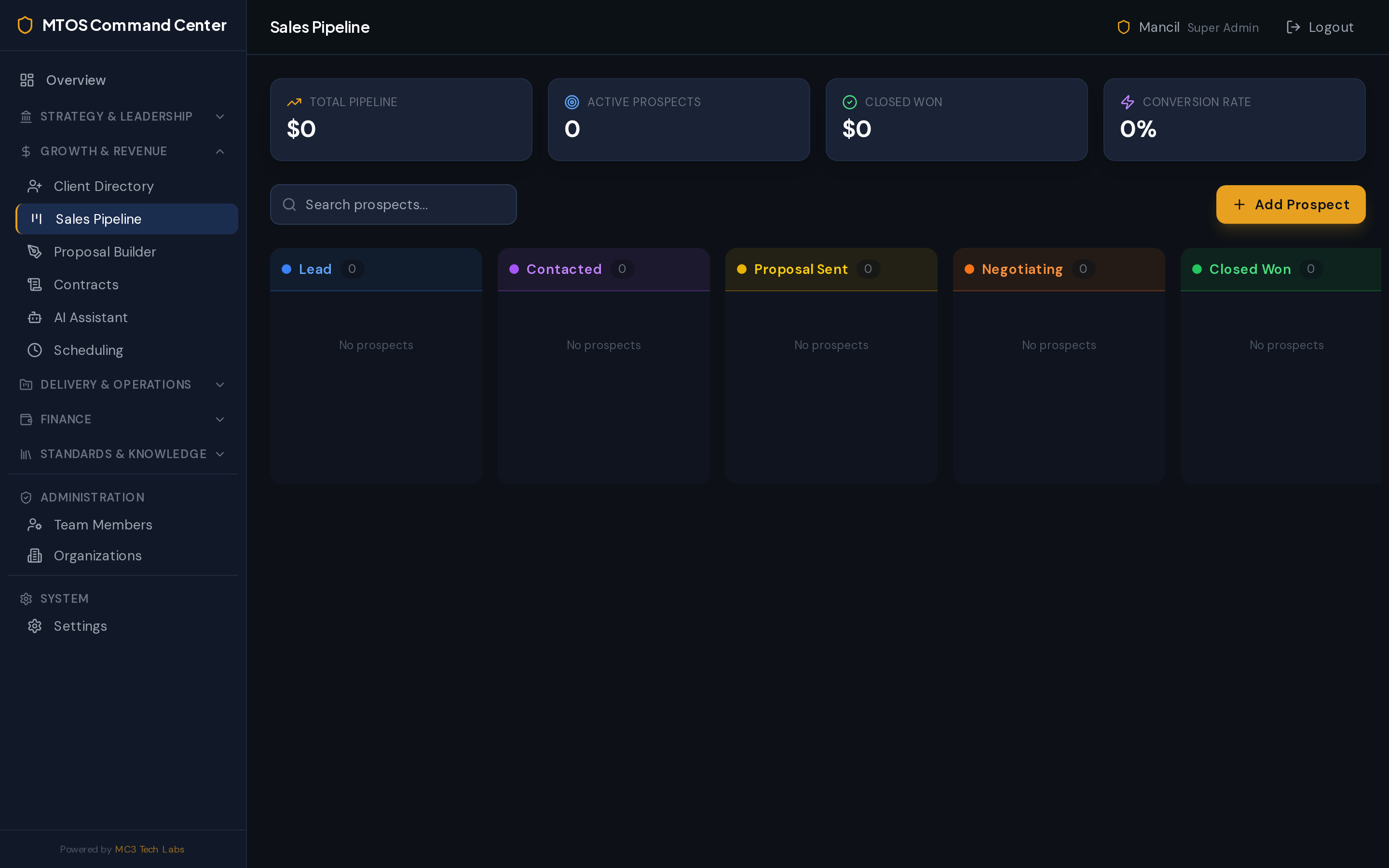
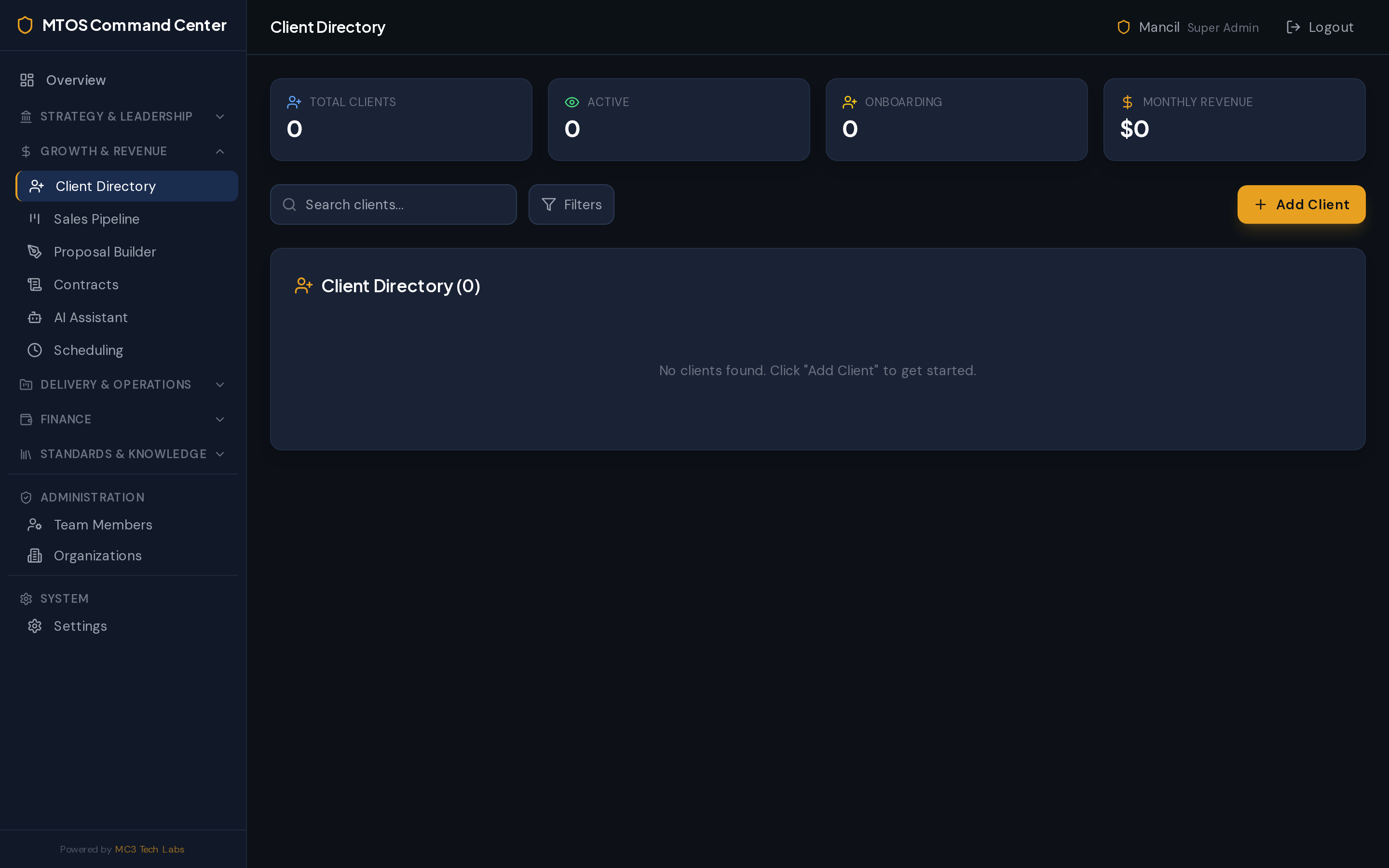
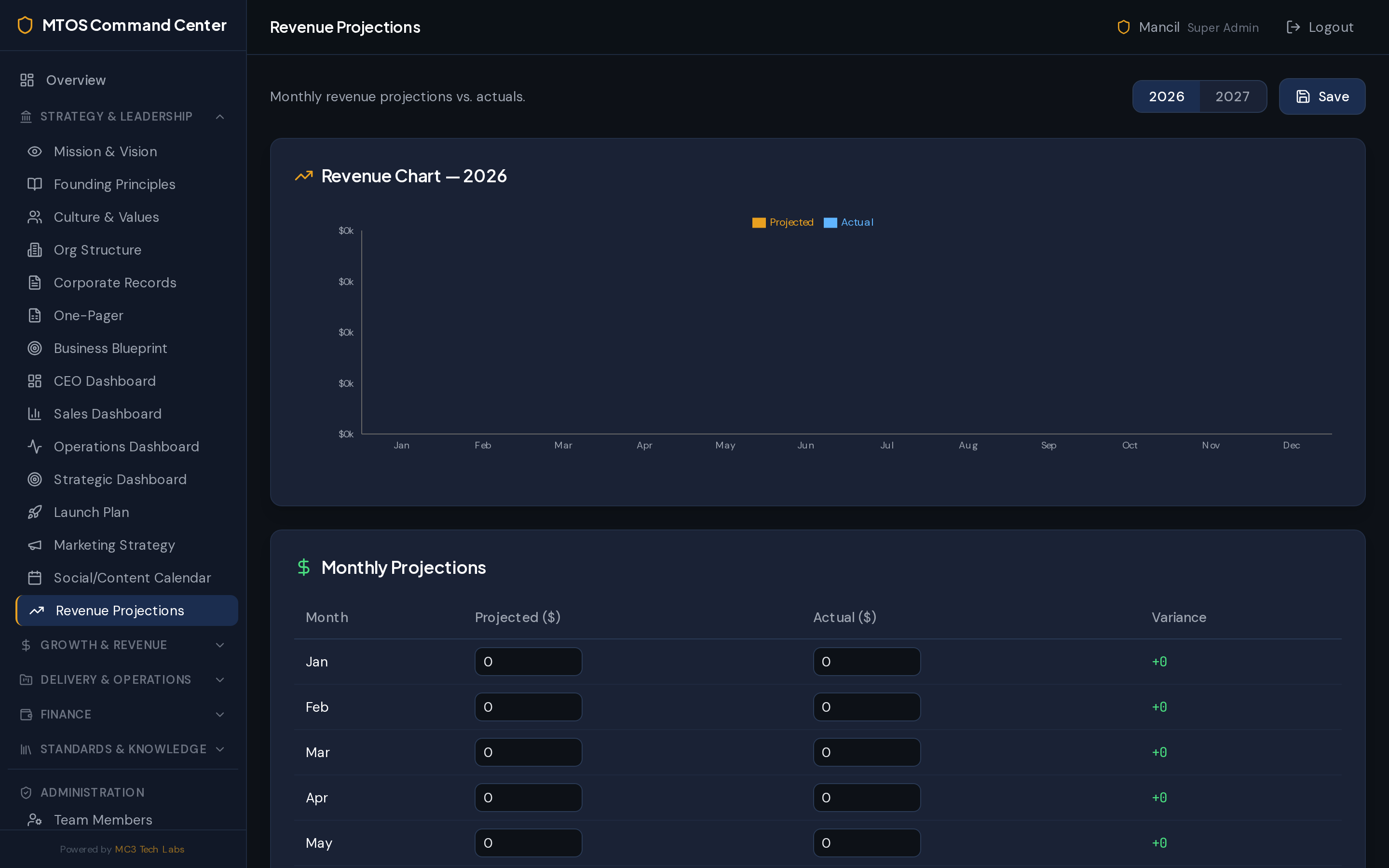
Build a repeatable growth engine
Manage prospects through a visual pipeline, send winning proposals, plan marketing, and forecast the revenue that follows.
- Sales pipeline & sales dashboard
- Revenue projections & scenarios
- Proposal builder
- Marketing strategy & social calendar
- Launch planning
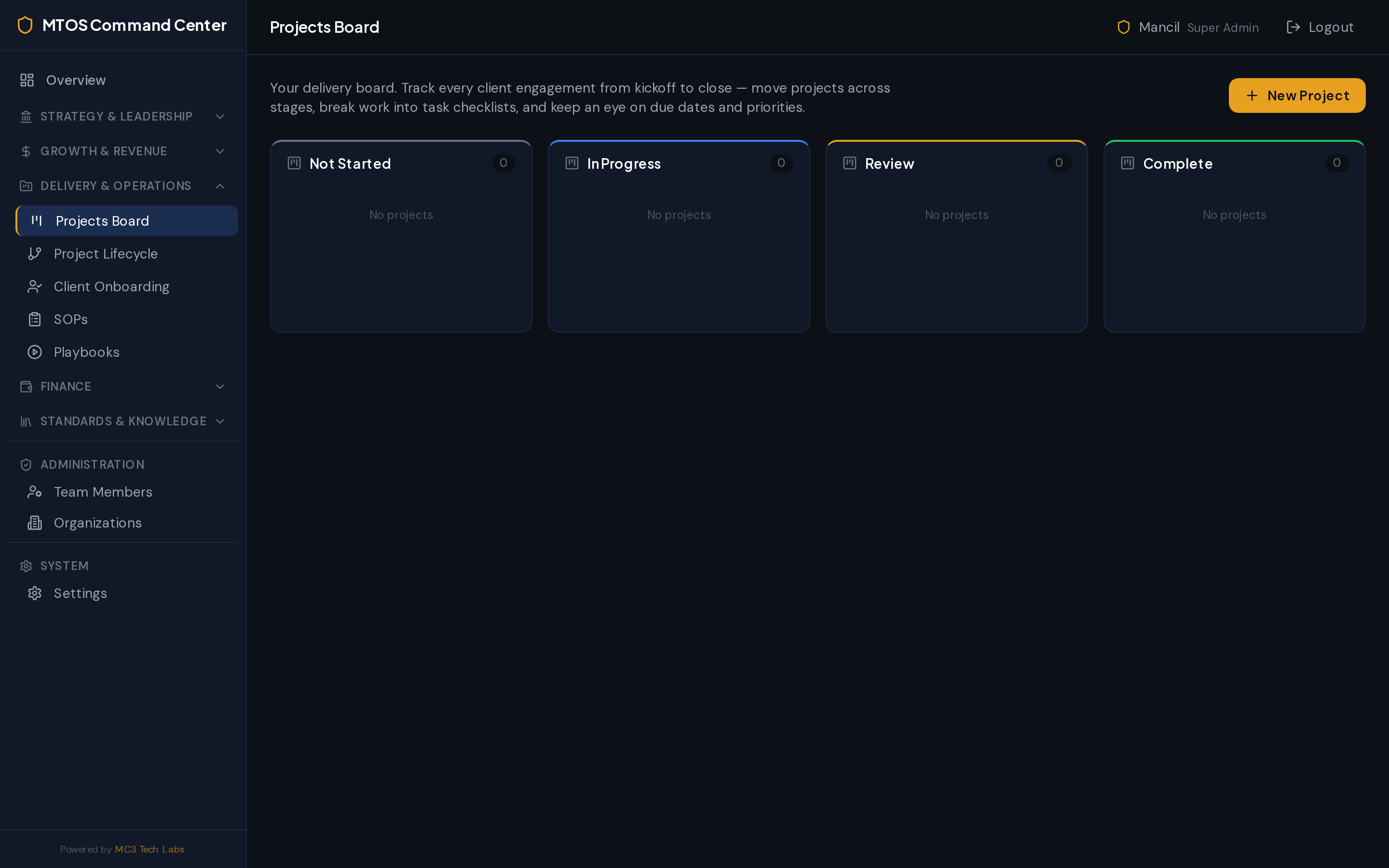
Deliver consistent, on-time work
Run active projects on a clear board, standardize delivery with lifecycles, onboard clients smoothly, and keep everyone organized.
- Project board & lifecycles
- Operations dashboard
- Scheduling
- Client onboarding
- Client directory & contracts
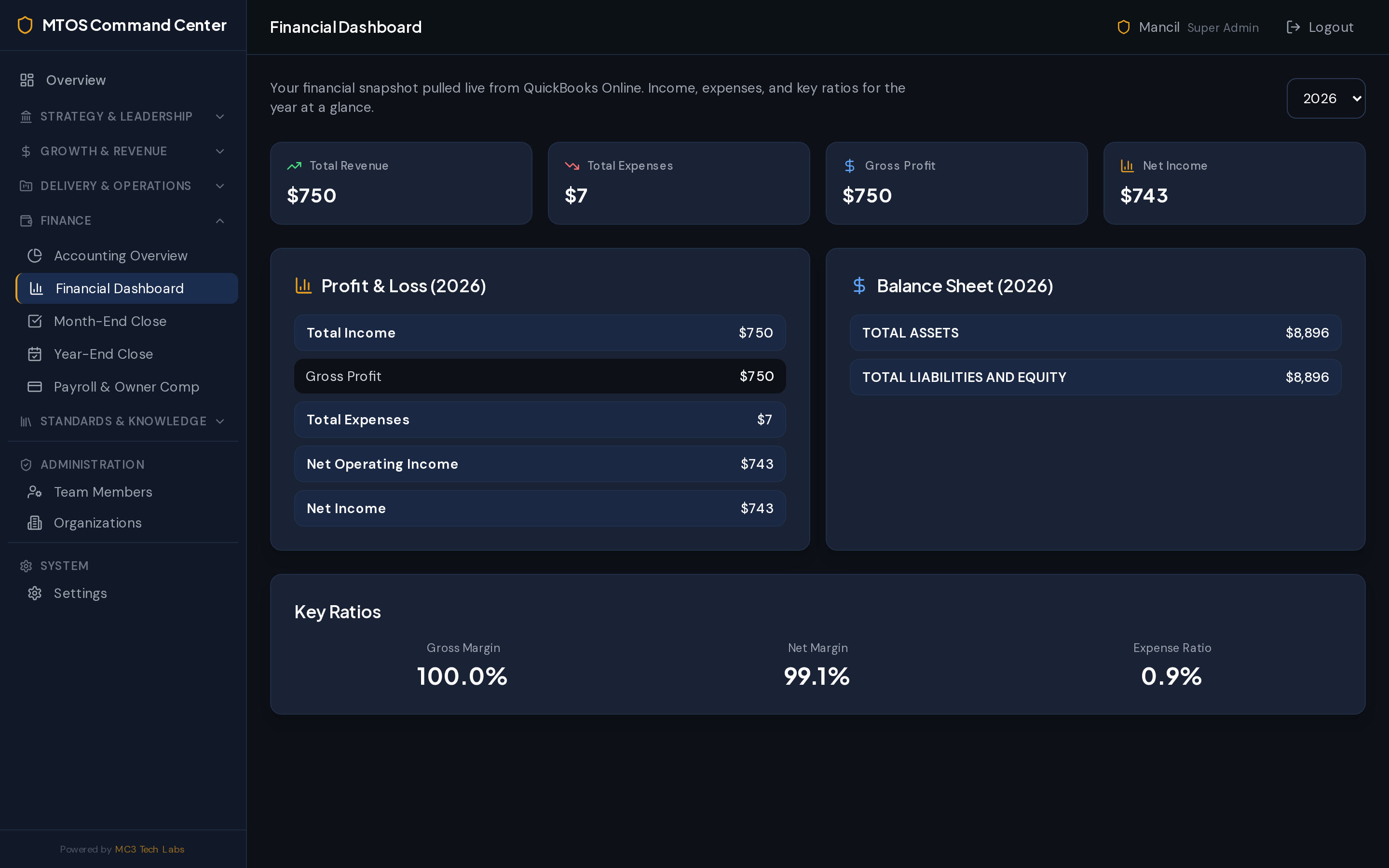
Real financials, connected to QuickBooks
A live financial command center wired to QuickBooks Online, with structured month-end and year-end close plus payroll.
- Live QuickBooks Online integration
- Financial dashboard
- Accounting overview
- Month-end & year-end close
- Payroll
Capture how your best work gets done
Document repeatable processes, playbooks, and brand standards in a searchable knowledge base your whole team can rely on.
- SOP library
- Playbooks
- Knowledge base
- Brand guidelines
Manage people and records securely
Administer your team, organizations, and corporate records from one secure, role-aware workspace.
- Team management
- Organizations
- Corporate records
- Workspace settings
A secure portal your clients actually log into
Everything MTOS generates — onboarding, contracts, proposals, and invoices — is delivered to your clients through their own branded login, where they can review, approve, and send records back to you.
View & approve
Clients see their projects, documents, and approvals in one place.
Track invoices
Every invoice you send is visible and trackable in the portal.
Two-way uploads
Clients upload the assets and records you request — no email chasing.
Secure & branded
A private, role-aware login scoped to each client.
Bookkeeping clients
Their clients upload invoices and receipts through the portal, ready to be organized and submitted into QuickBooks Online.
Retail clients
Their customers submit orders and records through the portal, keeping every request organized in one place instead of scattered messages.
Portal upload types adapt to each customer type — invoices, receipts, orders, or custom records.
See it running your business
Choose a plan and get instant access to your command center.
View Pricing